
The Importance of Replacing Your Apple AirTag Battery
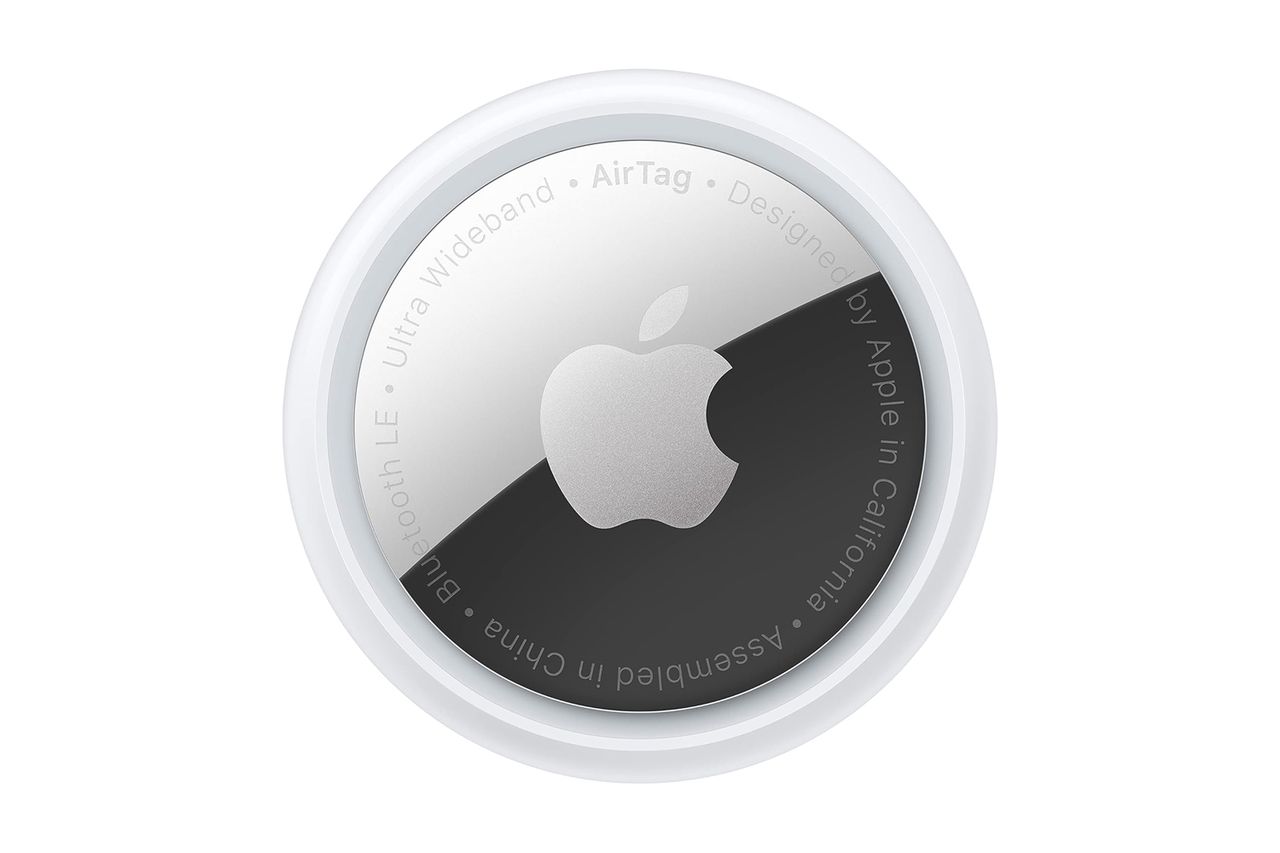
If you’ve owned an Apple AirTag for over a year, it might be time to consider replacing its battery. While AirTags are incredibly useful for tracking lost items, they rely on their internal batteries to function properly. When the battery dies, the device becomes useless, which is why knowing how to replace it is essential.
Why Replace the Battery?
AirTags have a battery life that lasts up to one year, depending on usage. This means that after a year, you’ll need to replace the battery to keep your AirTag working. Instead of buying a new AirTag for $29, you can simply replace the battery for a fraction of the cost—around $7 or $8, depending on the brand and retailer.
The correct type of battery needed for an AirTag is a CR2032 3-volt lithium coin battery. These batteries are commonly used in devices like watches, calculators, and key fobs. However, not all CR2032 batteries are compatible with AirTags. Many come with a bitter coating to prevent ingestion, especially by children and pets. While this is a safety feature, it can interfere with the battery contact receptors in the AirTag, causing it to malfunction.
Choosing the Right Batteries
To ensure compatibility, look for batteries explicitly labeled as “compatible with Apple AirTag.” Brands like Energizer and Panasonic offer CR2032 batteries that work well with AirTags. For example:
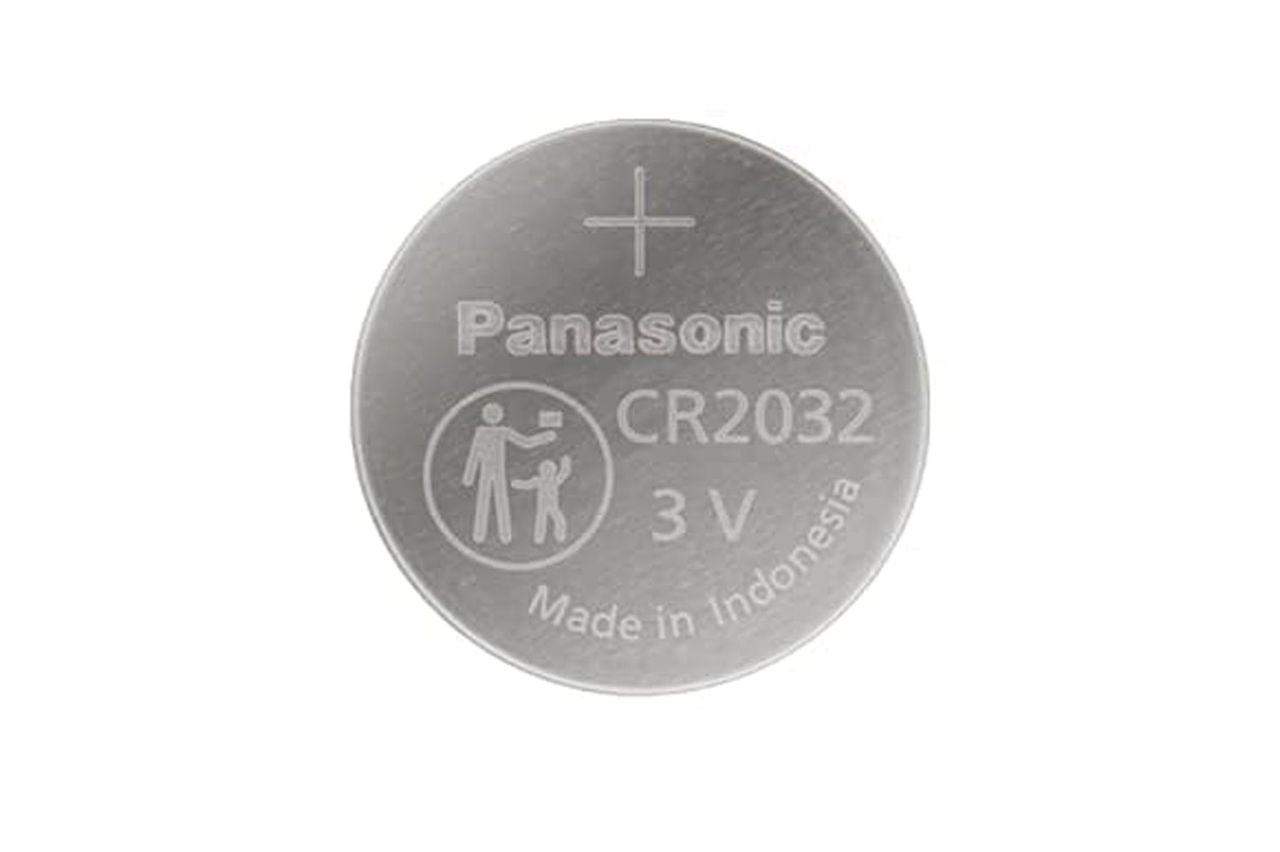
- Panasonic CR2032 Apple AirTag Replacement Battery– Available at Amazon for around $7.
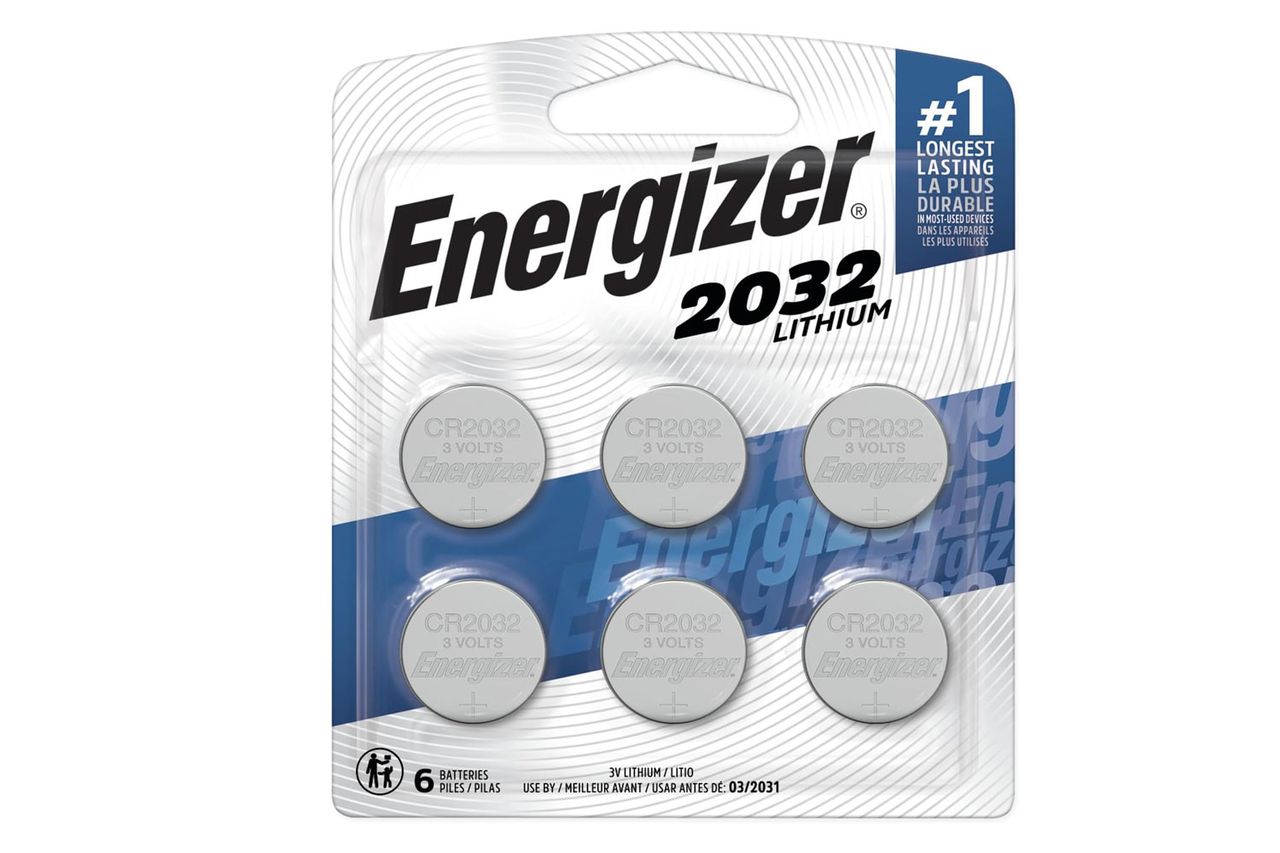
- Energizer CR2032 Lithium Coin 3 AirTag Compatible Batteries– Available at Amazon for around $8.
Some users have reported issues when using other brands, such as Duracell, due to the bitter coating. One user shared that they initially tried using Duracell batteries but found that their AirTag wouldn’t reset properly. After switching to Energizer or Panasonic batteries, the issue was resolved.
How to Replace the Battery Yourself
Replacing the battery in your AirTag is a simple process. Apple provides clear instructions: press down on the device, rotate counterclockwise to open, replace the battery, and then twist clockwise to close. It’s important to dispose of used batteries responsibly by taking them to a local hazardous waste facility or a battery recycler.
Additional Tips for AirTag Users
If you prefer to buy just one battery instead of a pack, some options come with a bitter coating removal wipe. This can be helpful if you want to avoid the coating without having to remove it manually. One reviewer praised a single Panasonic CR2032 battery for its convenience and effectiveness.
Travel Accessories to Consider
In addition to replacing the battery, there are several accessories that can enhance your AirTag experience. These include:
- Apple AirTag 4-pack– A great option for multiple devices.
- Apple AirTag Passport Holder RFID-blocking Cover Wallet– Keeps your passport safe and accessible.
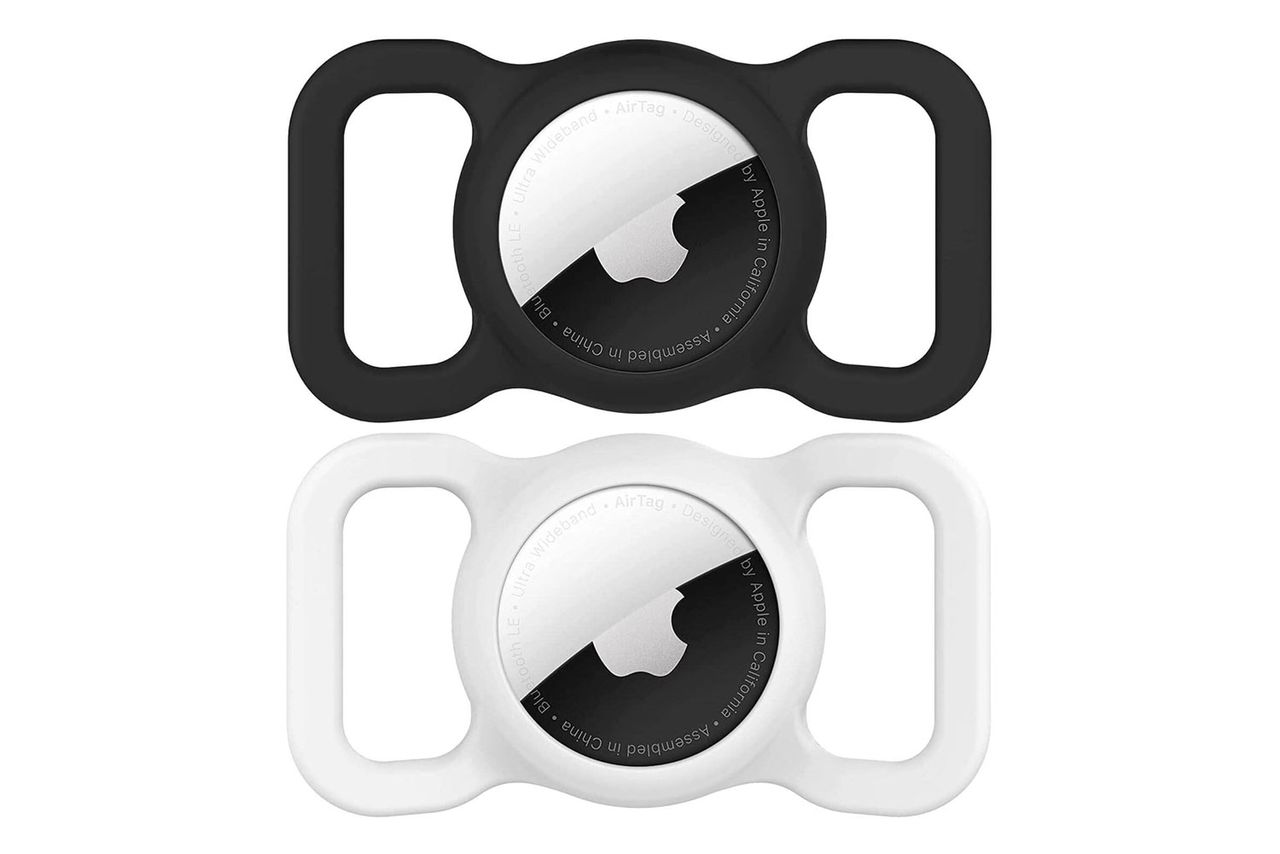
- Apple AirTag Dog Collar Holder 2-pack– Ideal for pet owners.
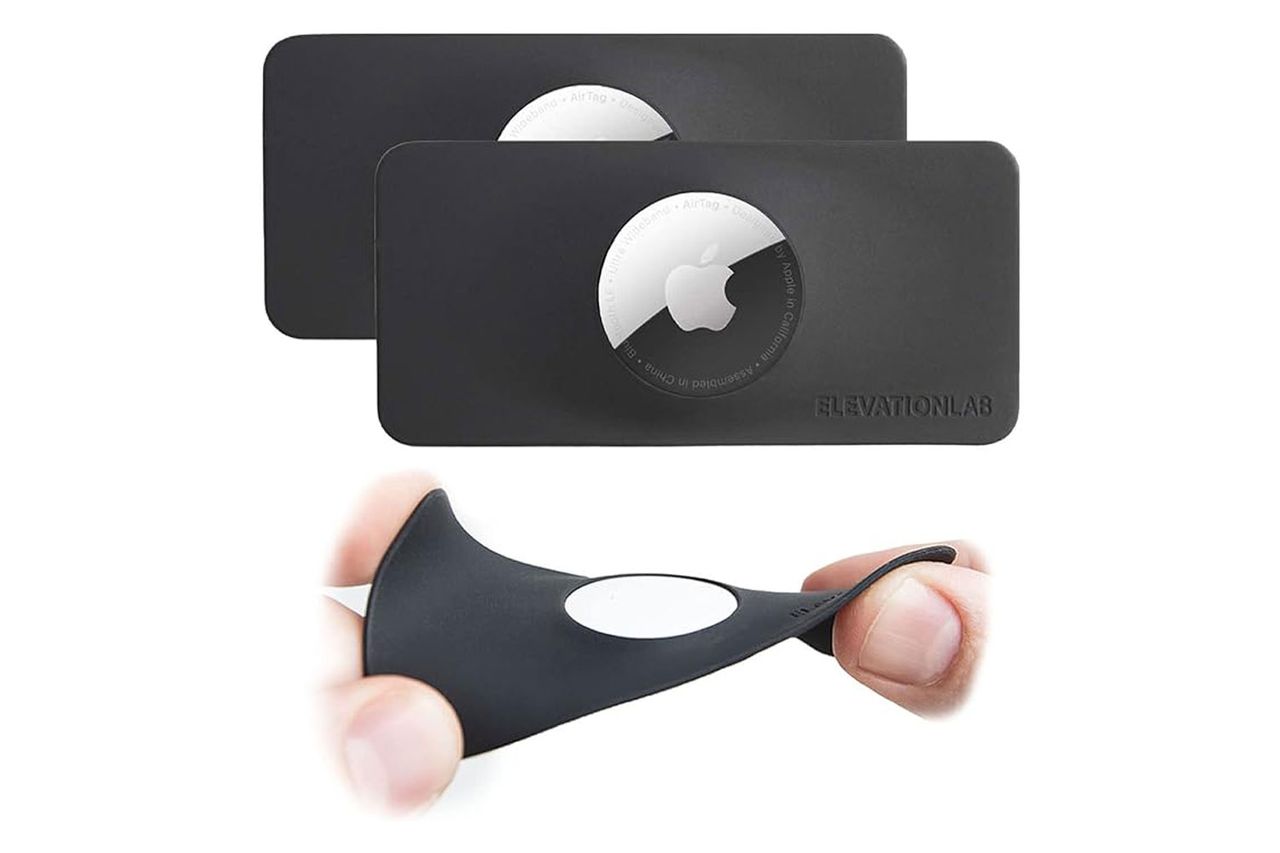
- Elevation Lab TagVault Apple AirTag Wallet– Combines functionality with style.
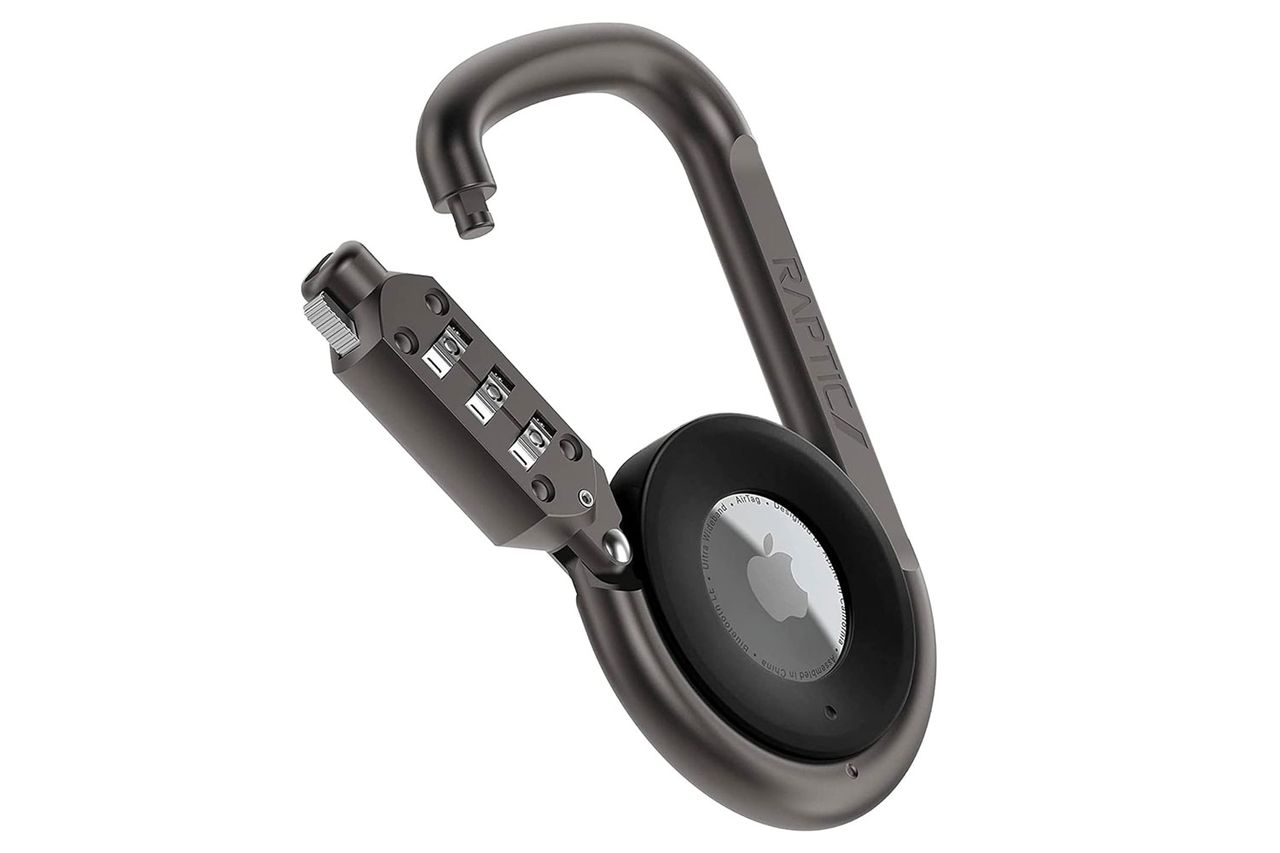
- Raptic Anti-theft Link and Lock for Apple AirTags– Adds an extra layer of security.
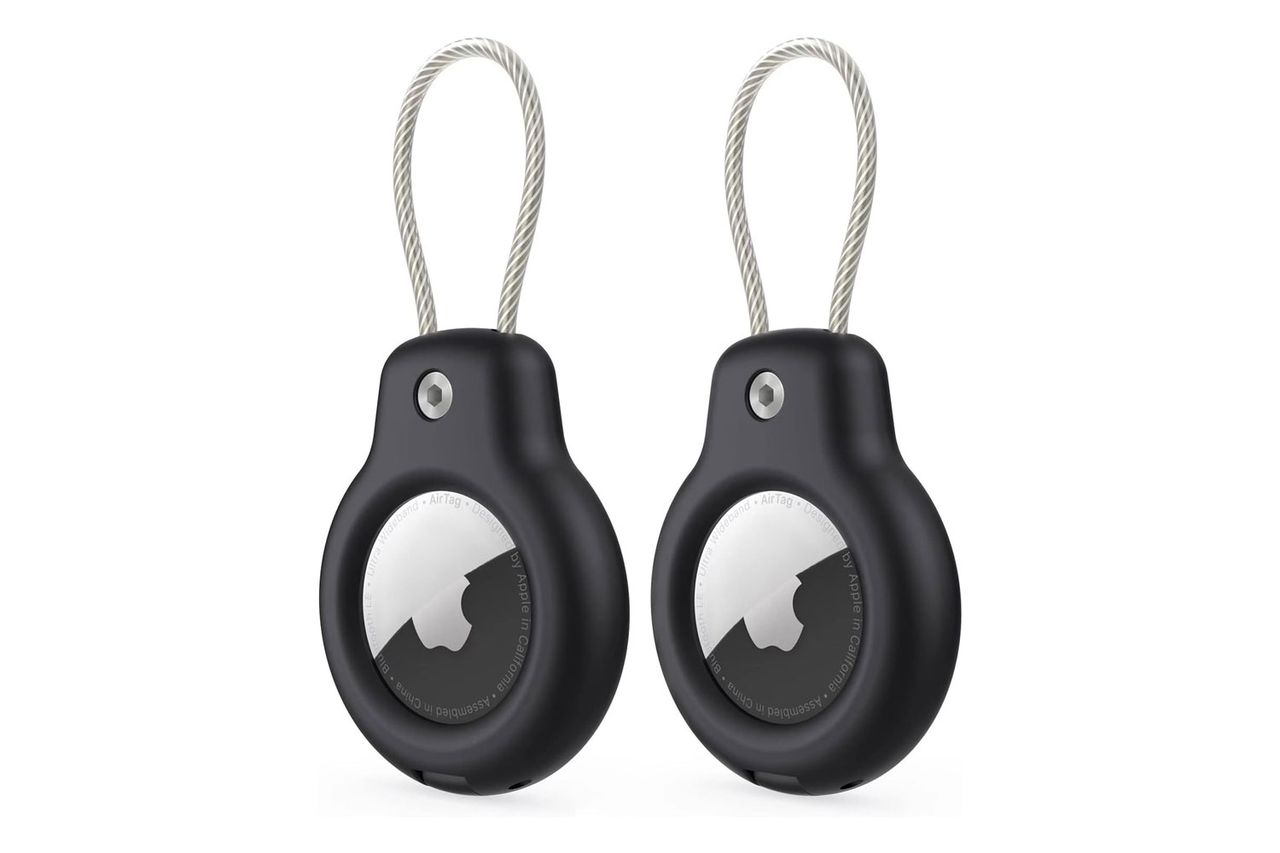
- Apple AirTag Lock Case Keychain Set– Perfect for keeping track of keys and other essentials.